Key Features
People Counting
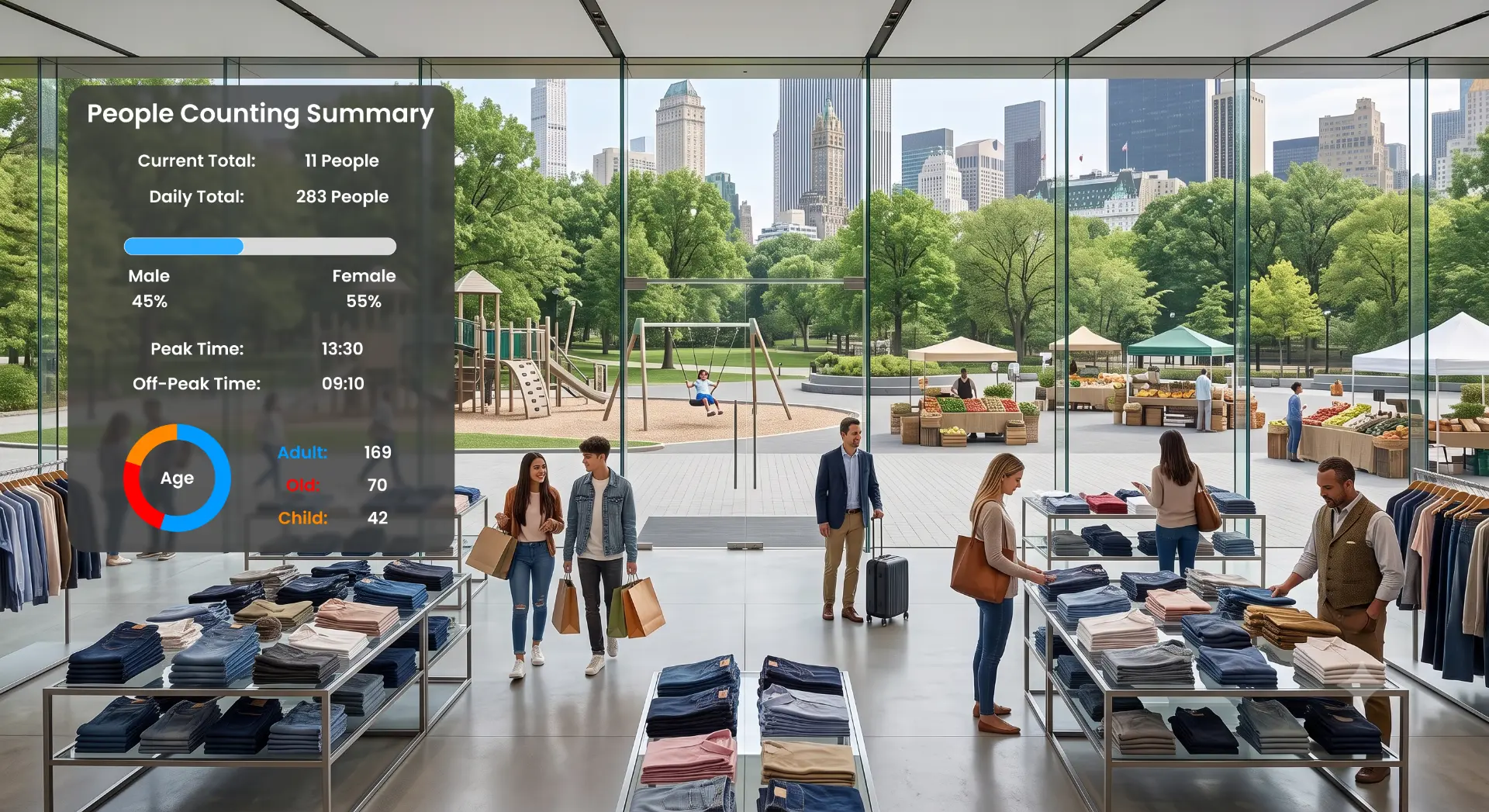
Count people across selected cameras, entrances or zones to support operational visibility and reporting.
Unique Person Counting
Estimate unique individuals instead of only total detections. This helps teams understand actual visitor volume more accurately.
Daily Unique Reports
View daily unique person counts for selected locations or camera groups. Reports can support daily operations and management review.
Archive-Based Unique Reporting
Analyze unique person counts from archived data, such as selected date ranges or the last seven days, to support historical comparison.
Staff Exclusion
Exclude staff or selected groups from visitor analytics where applicable. This helps separate customer, visitor or operational traffic from internal movement.
Watchlist-Based Filtering
Filter or segment people analytics by selected groups such as VIP, staff, customer or visitor categories where applicable. This supports more accurate visitor analytics, staff exclusion and group-based reporting. Watchlist-based filtering should be used only where permitted by applicable regulations, consent requirements and customer policies.
Age and Gender Filtering
Use age range and gender filtering where legally and operationally appropriate to support visitor analytics, demographic counts and reporting.
Dashboards and Reports
Generate dashboard views and reports for people counts, unique visitors, demographics, locations and selected time ranges.
Visitor Flow Visibility
Understand how people move through entrances, corridors, halls, galleries, retail areas, terminals or shared spaces.
Location-Based Analytics
Analyze people counts and visitor activity by camera, region, zone, entrance, floor or selected monitored area.
Get started with Corvo Insight. Schedule a demo to see people counting, unique visitor analytics and occupancy visibility in action.
Schedule a personalized demo to see it in action